1. Introduction
Welcome to Superb Projects ("we", "our", or "the app"). We are committed to protecting your privacy and ensuring you have a positive experience when using our application. This Privacy Policy explains how we collect, use, store, and protect your information when you use Projects on your Apple devices.
By using Superb Projects, you agree to the collection and use of information in accordance with this policy. If you do not agree with the terms of this Privacy Policy, please do not use the application.
2. Information We Collect
Superb Projects is designed with privacy at its core. The app collects only the information that you voluntarily enter into it. We do not collect any information automatically, and we do not require you to create an account or provide any personal information to use the app.
The types of information you may choose to enter include:
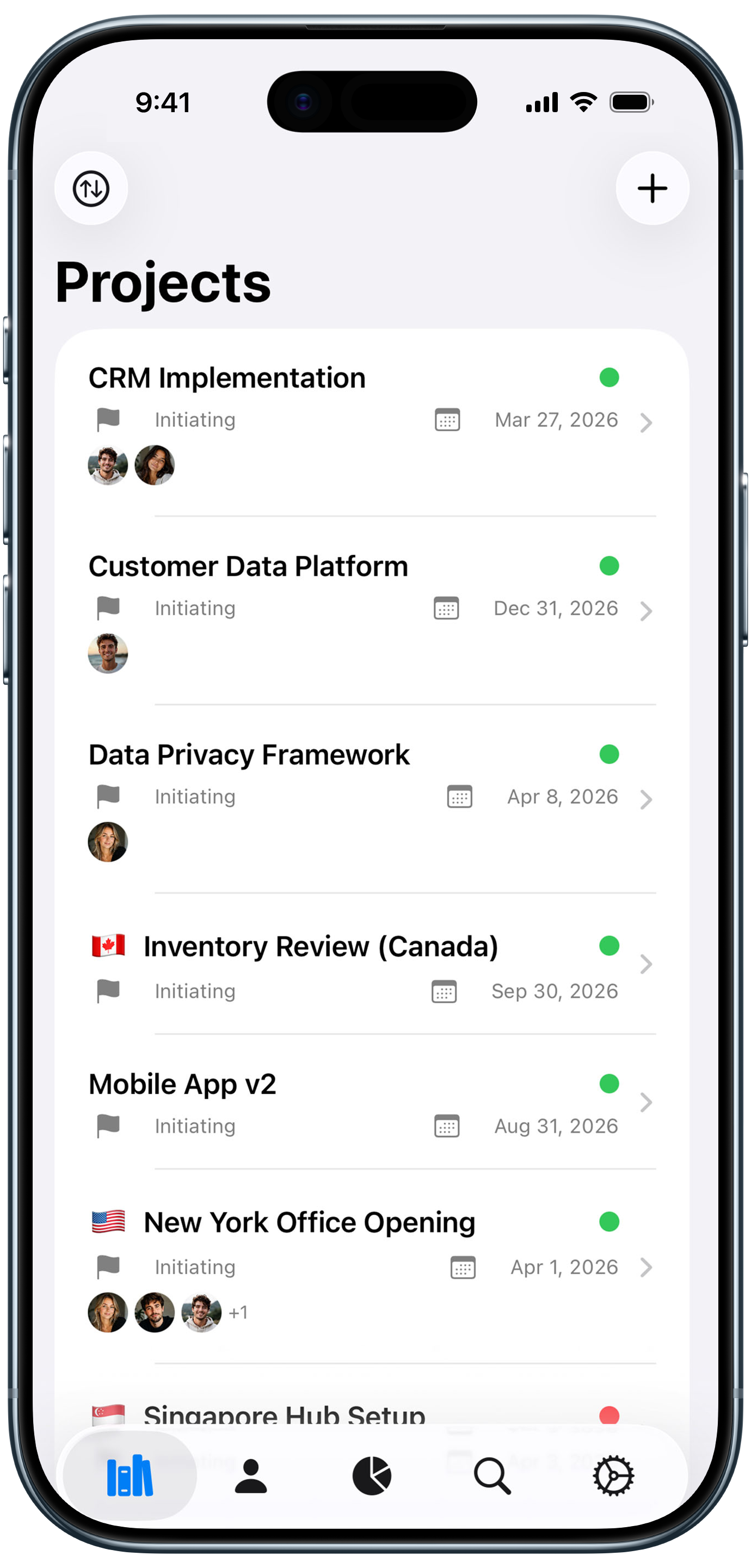
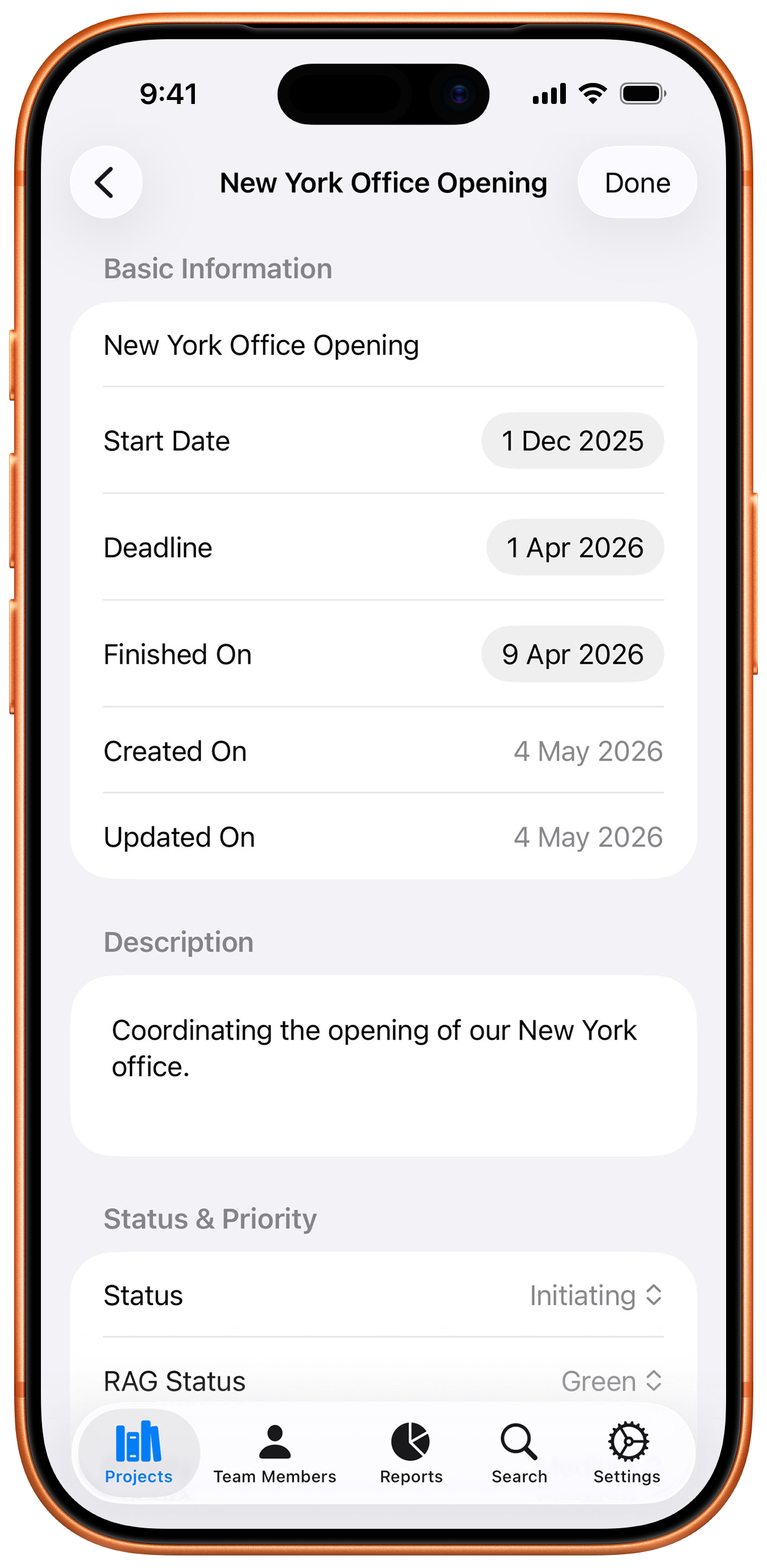
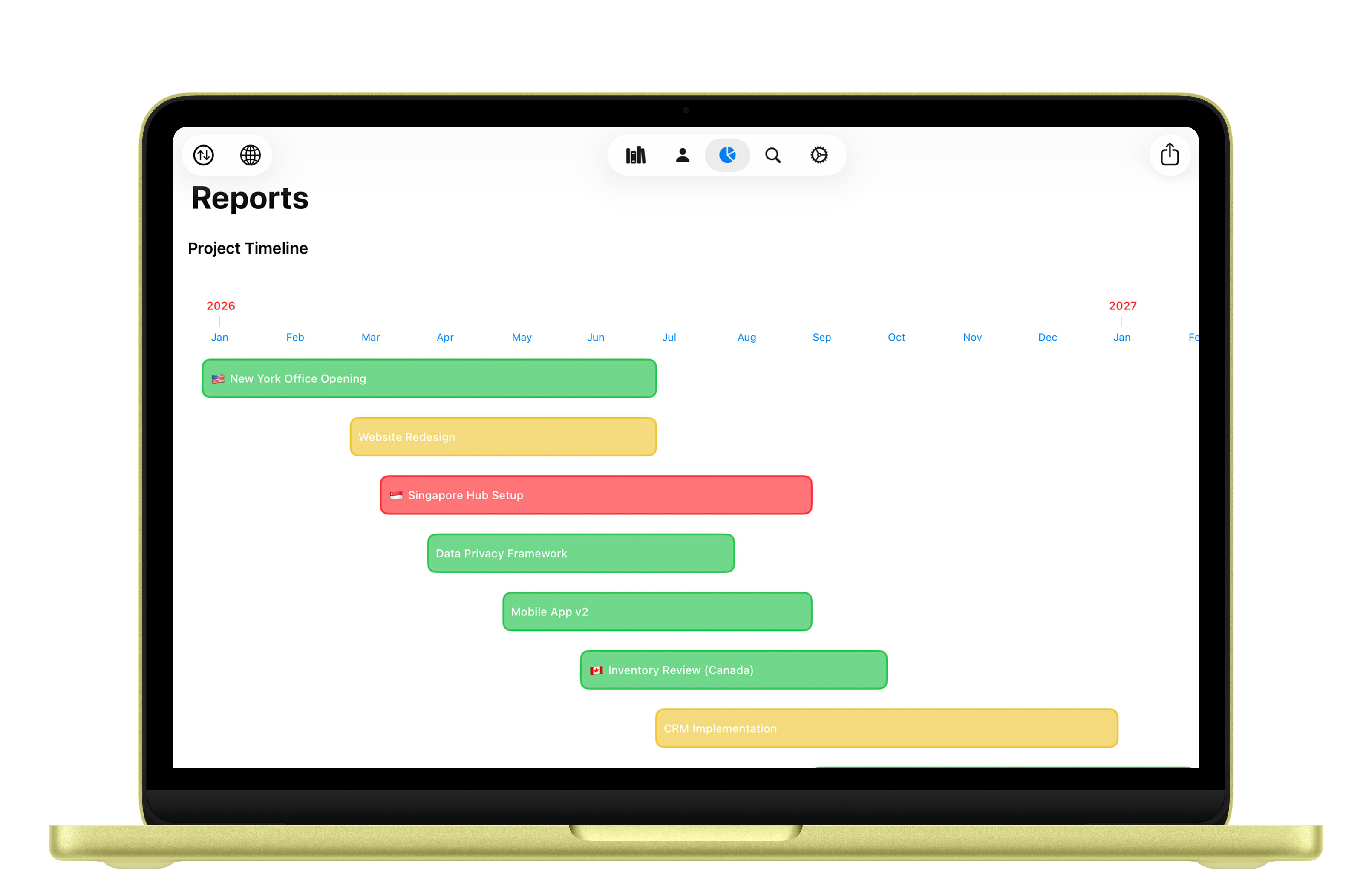
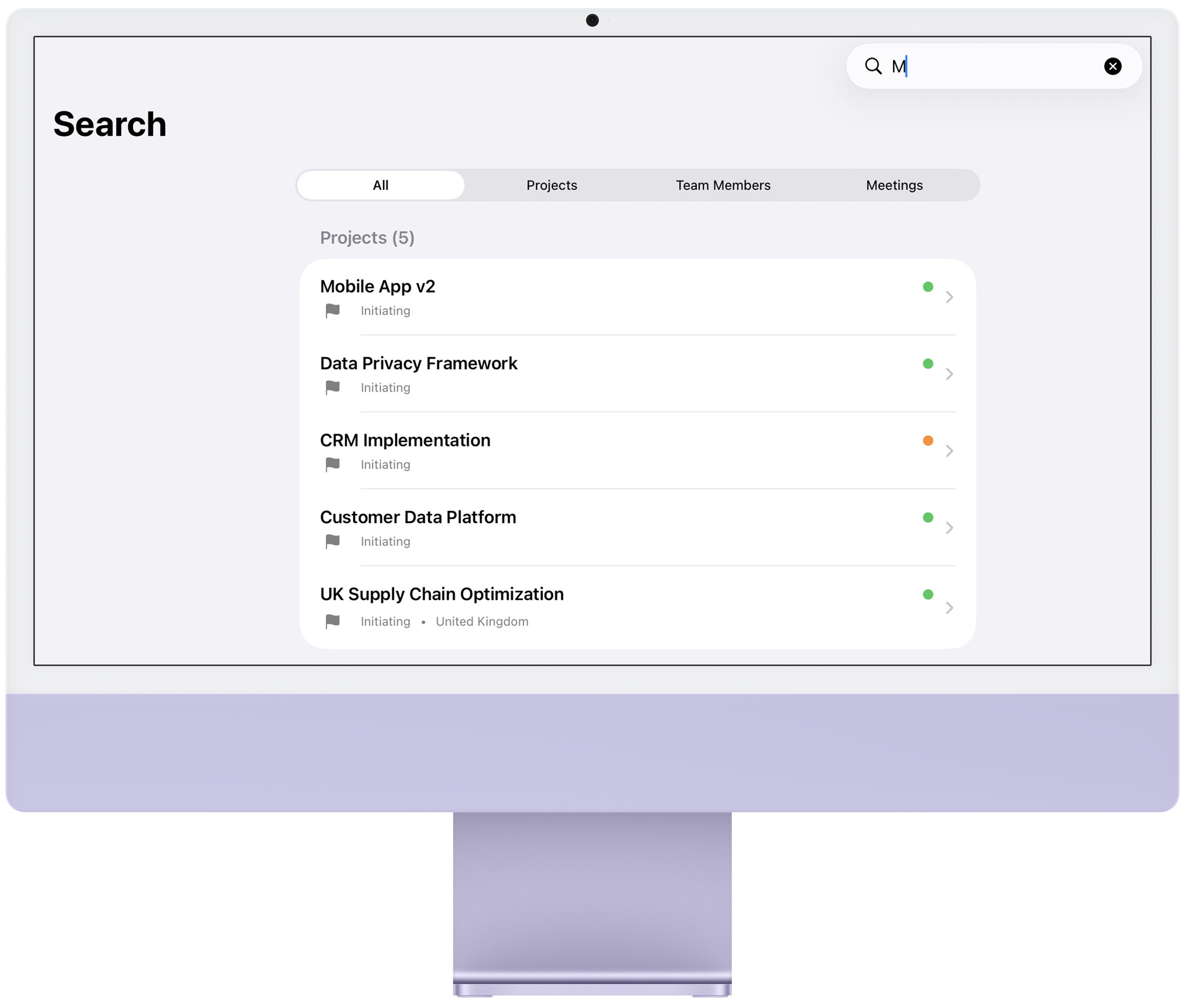
- Project details: titles, descriptions, notes, status, priority, RAG status, region, country, start dates, deadlines, and completion dates.
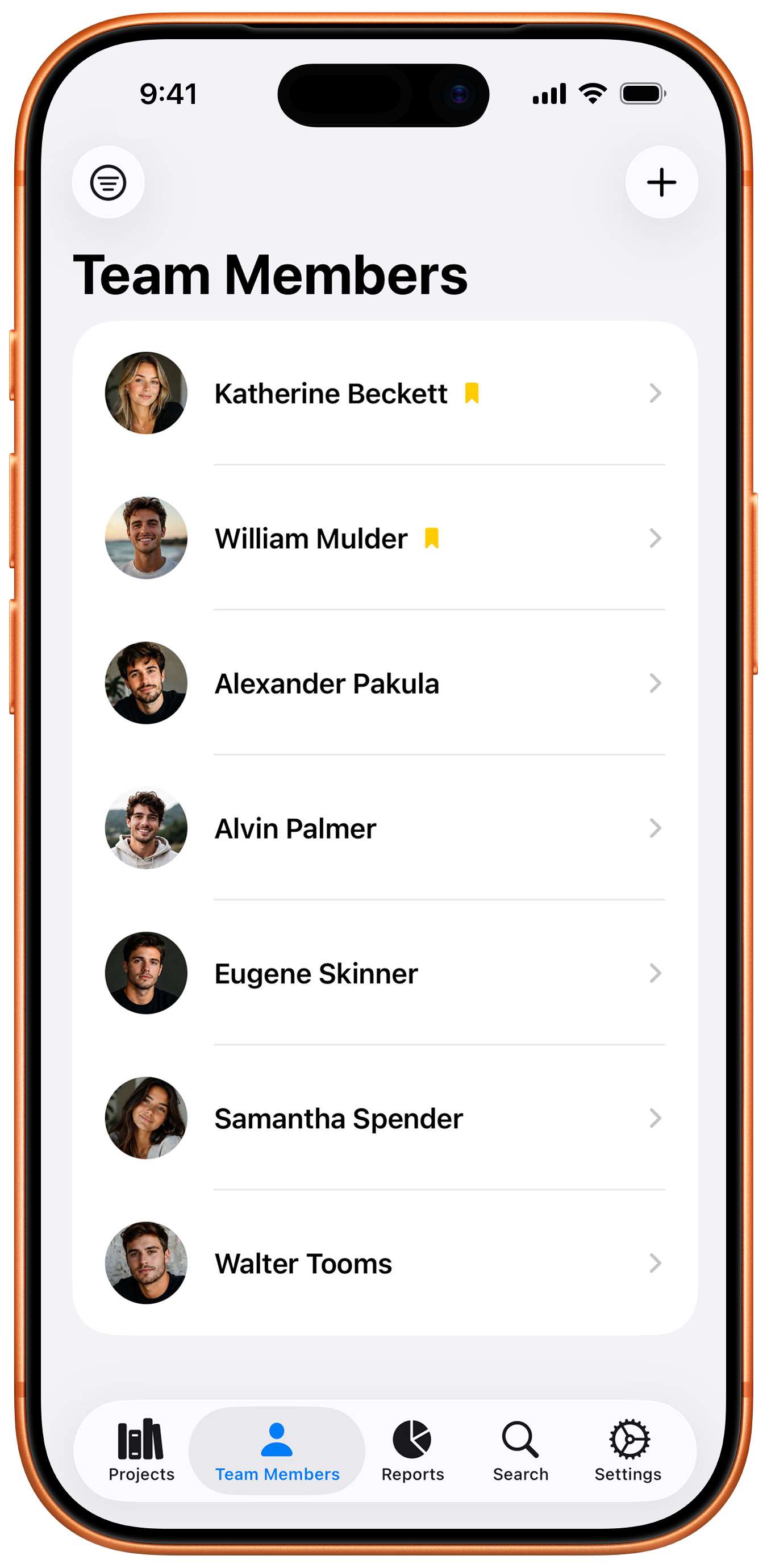
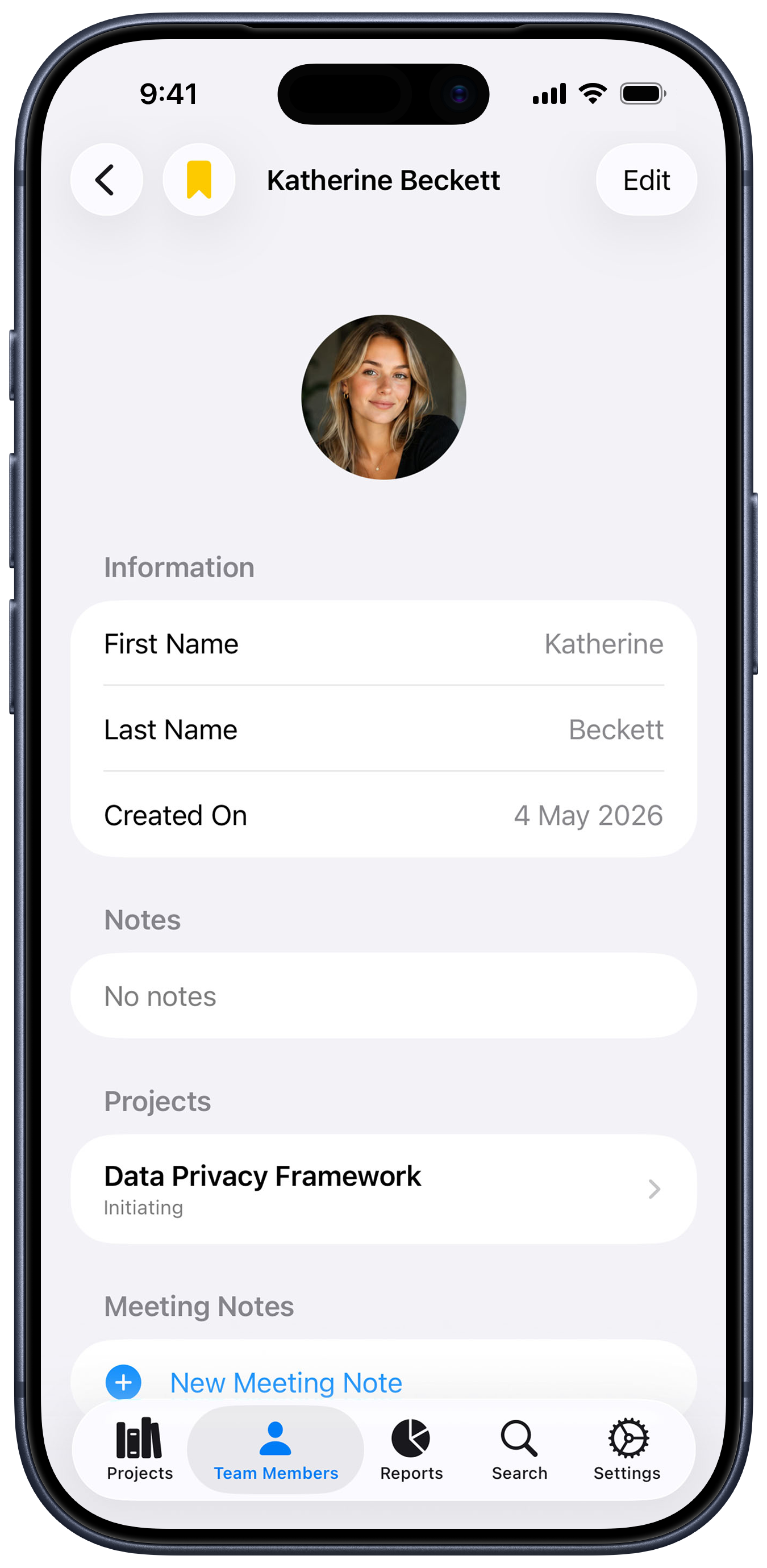
- Team member information: first name, last name, email address, notes, and profile photos.
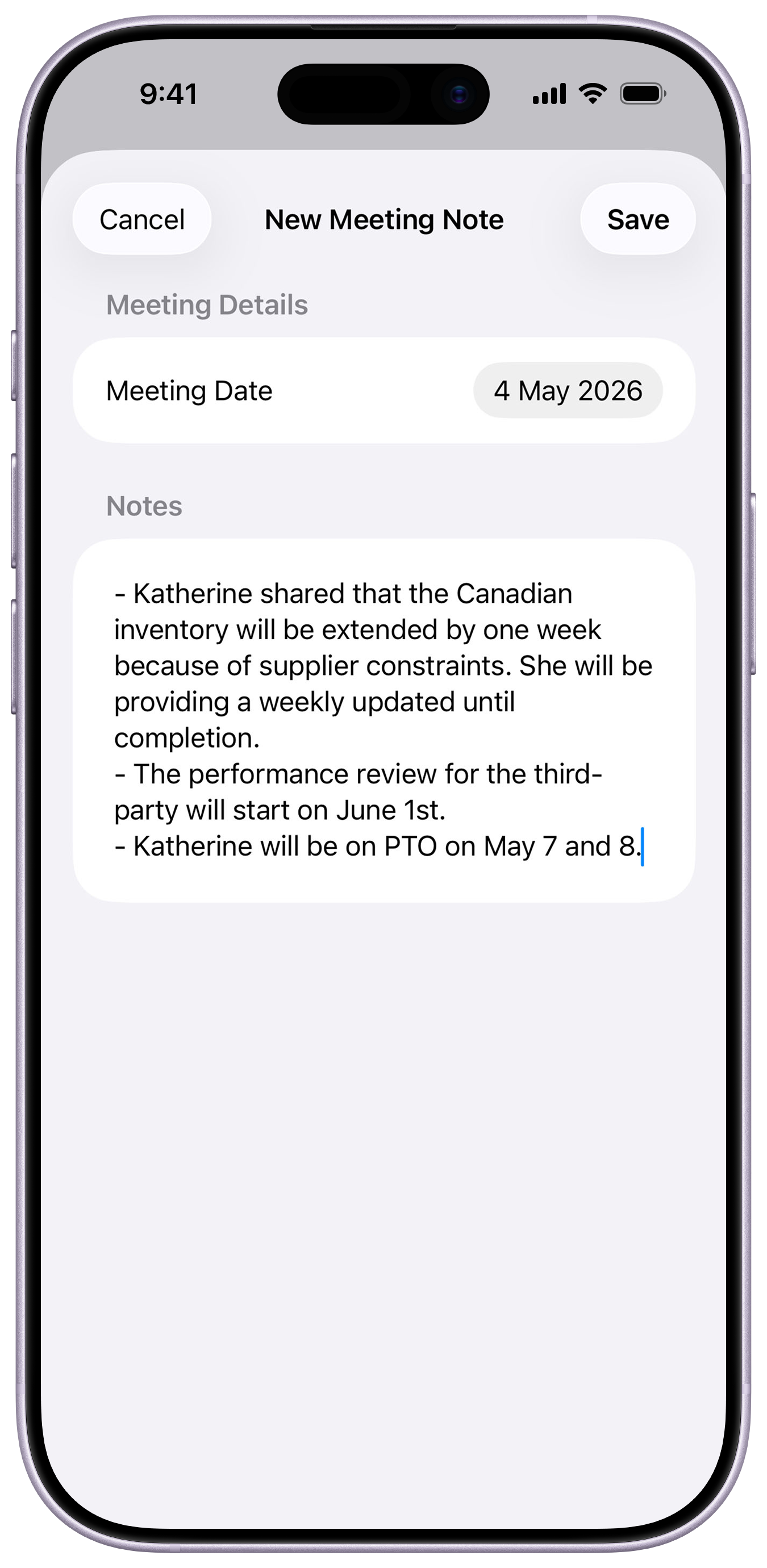
- Meeting notes: meeting dates and note content, associated with team members and/or projects.
- App preferences: display settings such as tab bar label visibility.
All of this information is entered at your sole discretion. The app functions fully regardless of how much or how little information you choose to provide.
3. Photos and Image Data
When you upload a photo for a team member profile, the app automatically strips all metadata from the image before storing it. This includes, but is not limited to:
- GPS and location data
- Camera make and model information
- Date and time the photo was taken
- Lens and exposure settings
- Software information
- Thumbnail previews
- Any embedded captions or comments
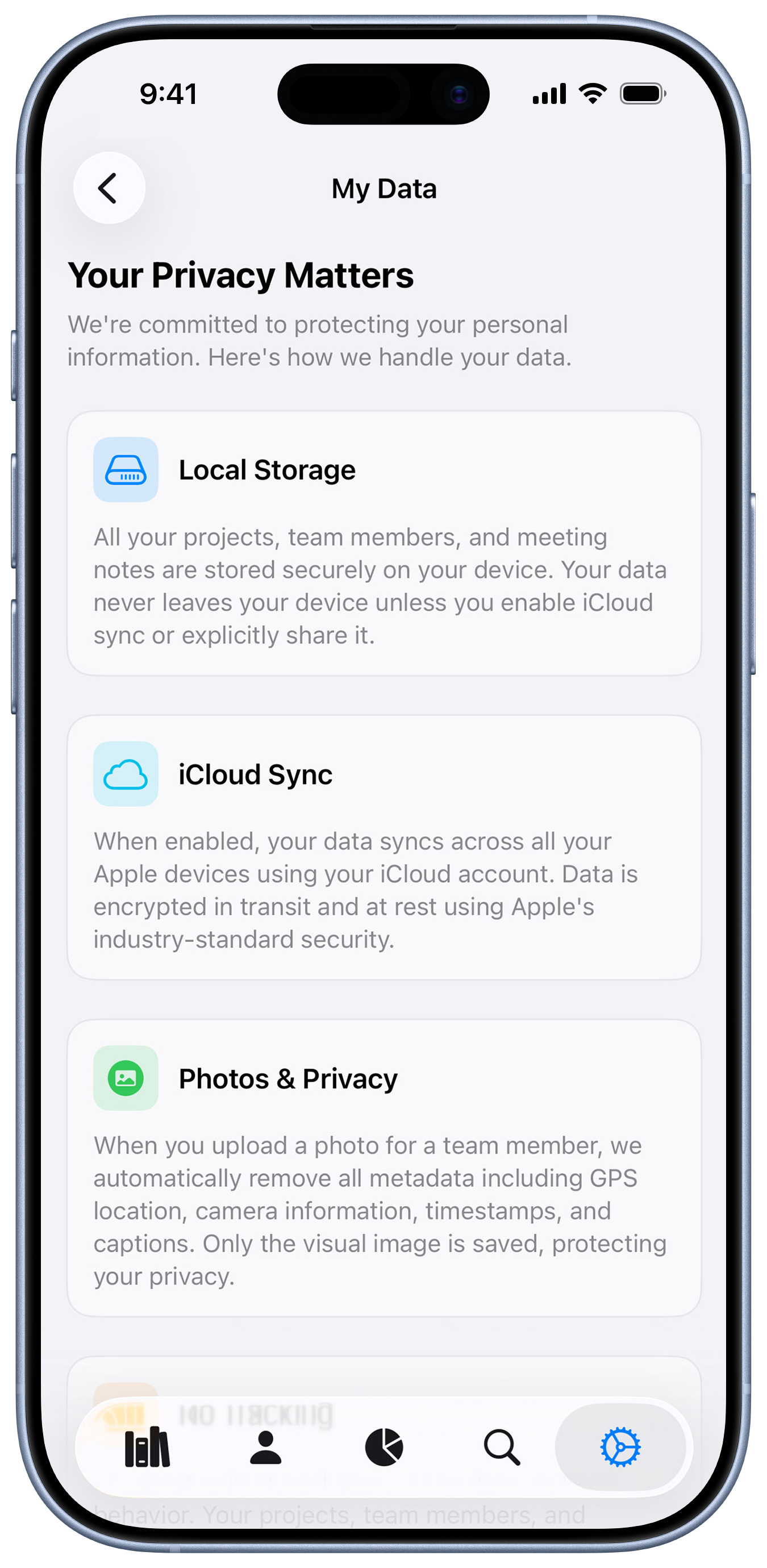
Only the visual content of the image is retained. The photo is re-encoded as a clean JPEG file, ensuring no hidden metadata is stored on your device or synced to iCloud. This process happens entirely on your device and is performed automatically every time a photo is selected or changed.
4. How Your Data Is Stored
All data you enter into Projects is stored locally on your device using Apple's SwiftData framework. Your data resides in a secure, sandboxed container that is accessible only to the Projects app. No other applications on your device can access this data.
If you have iCloud enabled for this app, your data is also synced to your personal iCloud account using Apple's CloudKit framework. This sync is managed entirely by Apple's infrastructure and is subject to Apple's own privacy policy and security measures. Your data is encrypted both in transit and at rest within iCloud.
We do not operate any servers, databases, or cloud infrastructure. We have no ability to access, read, or retrieve your data at any time.
5. iCloud Synchronization
When iCloud sync is enabled on your device, your projects, team members, meeting notes, and associated data are synchronized across all Apple devices signed in to the same iCloud account. This synchronization is handled entirely by Apple's CloudKit service.
Key points about iCloud sync:
- Data is encrypted in transit using TLS (Transport Layer Security).
- Data is encrypted at rest on Apple's servers.
- Only devices signed in to your iCloud account can access the synced data.
- You can disable iCloud sync for this app at any time through your device's iCloud settings.
- If you disable iCloud sync, your data remains on your local device but will no longer sync to other devices.
- Deleting data on one device will propagate the deletion to all synced devices.
We have no access to your iCloud data. Apple's CloudKit privacy architecture ensures that your data is associated with your iCloud account and is not accessible to the app developer.
6. Data We Do Not Collect
We want to be transparent about the data we do not collect. Projects does not collect, transmit, or have access to any of the following:
- Personal identification information (beyond what you voluntarily enter)
- Device identifiers or hardware information
- IP addresses or network information
- Location data or GPS coordinates
- Usage analytics or behavioral data
- Crash reports or diagnostic data
- Advertising identifiers
- Browsing history or search queries
- Contacts, calendars, or other device data
- Biometric data
- Financial or payment information
The app does not contain any analytics SDKs, advertising frameworks, tracking pixels, or third-party code that collects user data.
7. Third-Party Services
Superb Projects does not integrate with, or transmit data to, any third-party services, analytics platforms, advertising networks, or external APIs. The only external service involved is Apple's iCloud/CloudKit, which is an integral part of the Apple ecosystem and is governed by Apple's own privacy policy.
We do not sell, trade, rent, or otherwise share your data with any third parties for any purpose, including marketing, advertising, or data analysis.
8. Data Export
Superb Projects provides a built-in data export feature that allows you to export all of your data in a human-readable text format. This export includes your projects, team members, and meeting notes. The exported file is generated locally on your device, and sharing it is entirely under your control. We have no visibility into whether, when, or with whom you share your exported data.
9. Data Deletion
You have full control over the deletion of your data:
- Individual items: You can delete any project, team member, or meeting note at any time from within the app. Deletions are permanent and immediate.
- iCloud data: If iCloud sync is enabled, deletions are propagated to all synced devices automatically.
- Complete removal: Uninstalling the app from your device removes all locally stored data. To also remove iCloud data, you can disable iCloud sync before uninstalling, or manage your iCloud storage through your device settings.
We do not retain any copies of your data, as we never have access to it in the first place.
10. Data Security
We take the security of your data seriously. The following measures are in place to protect your information:
- App sandboxing: iOS and iPadOS enforce strict sandboxing, preventing other apps from accessing your data.
- Device encryption: Your data benefits from the hardware-level encryption built into your Apple device.
- iCloud encryption: Data synced via iCloud is encrypted both in transit and at rest.
- Photo metadata stripping: All image metadata is removed before storage, preventing inadvertent exposure of location or device information.
- No remote access: Since we do not operate servers or collect data remotely, there is no risk of a server-side data breach affecting your information.
While no method of electronic storage is 100% secure, the combination of Apple's platform security and our privacy-first design minimizes risks to your data.
11. Children's Privacy
Superb Projects does not knowingly collect personal information from children under the age of 13 (or the applicable age in your jurisdiction). The app does not require account creation or the submission of personal information. If a child uses the app, any data entered is stored locally on the device and/or in the parent's iCloud account, and is never transmitted to us.
12. Changes to This Privacy Policy
We may update this Privacy Policy from time to time to reflect changes in the app or applicable regulations. Any changes will be reflected in the "Last updated" date at the top of this policy. We encourage you to review this Privacy Policy periodically to stay informed about how we are protecting your data.
Continued use of the app after any changes to this Privacy Policy constitutes your acceptance of the updated terms.
13. Your Rights
Depending on your jurisdiction, you may have certain rights regarding your personal data, including:
- The right to access your data (available via the in-app export feature).
- The right to delete your data (available directly within the app).
- The right to data portability (supported through the export feature).
- The right to restrict processing (no processing occurs beyond local storage and optional iCloud sync).
Since all data is stored locally on your device and optionally in your personal iCloud account, you have direct and complete control over your data at all times without needing to contact us.
14. Contact Us
If you have any questions, concerns, or requests regarding this Privacy Policy or our privacy practices, please contact us through the Send Feedback option in the app settings.
We will make every effort to respond to your inquiry in a timely manner.